1.What is Gif Face Swap?
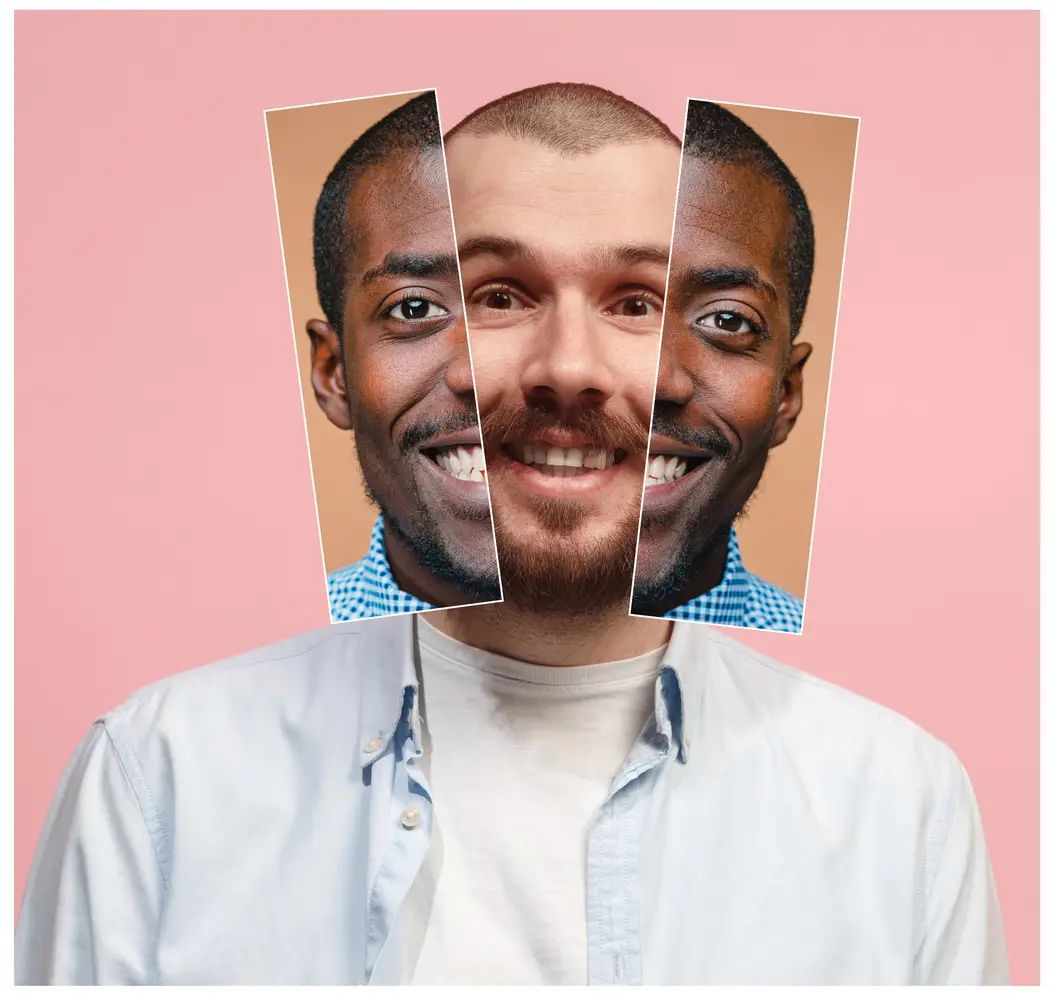
It replaces the face in an animated GIF with a face from a photo. Upload both, and the new face is tracked across every frame so the movement and expression stay natural.

Make meme and reaction GIFs with your own face on them. Upload a GIF, add a portrait photo, and the swapped face follows the head turns and expressions frame by frame. Downloads come back in about 30 seconds with no watermark.
Files supported: .gif
ALL files are auto-deleted within 24 hours
Add replacement face
Click the "+" below to add the face you want to change
Before
After
For privacy protection, all files will be automatically deleted within 24 hours.
 Recent Tasks
Simple three steps, start your AI GIF face swap. Follow the steps below, faceswap GIF instantly pops up before your eyes.
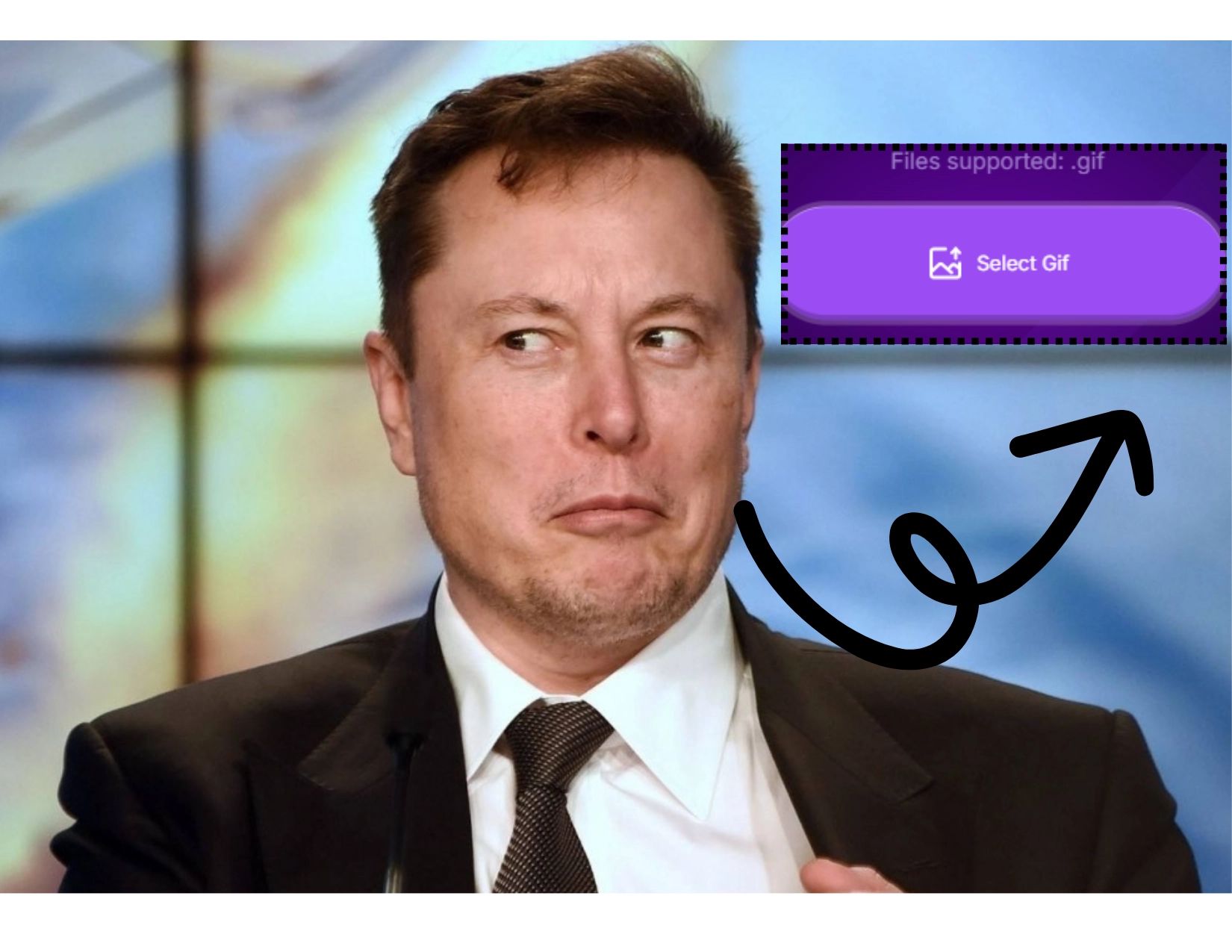
Upload a clear, high-quality GIF with a face. It can be a human or animated GIF. Supports GIF face swap 50MB, with size up to 120MB.
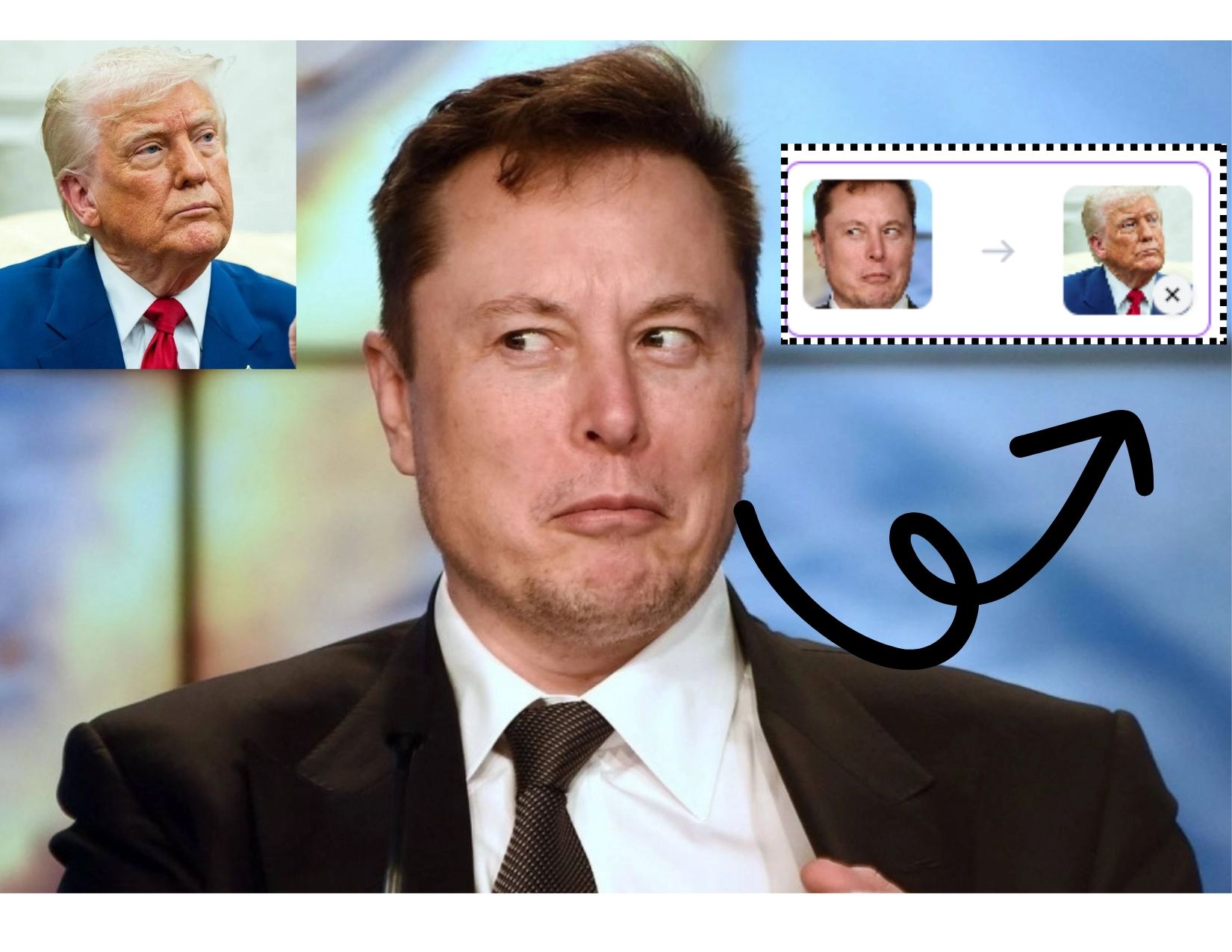
Add a clear portrait photo to swap the face in the original GIF. Front-facing photo, with visible facial features for best GIF face swap results.
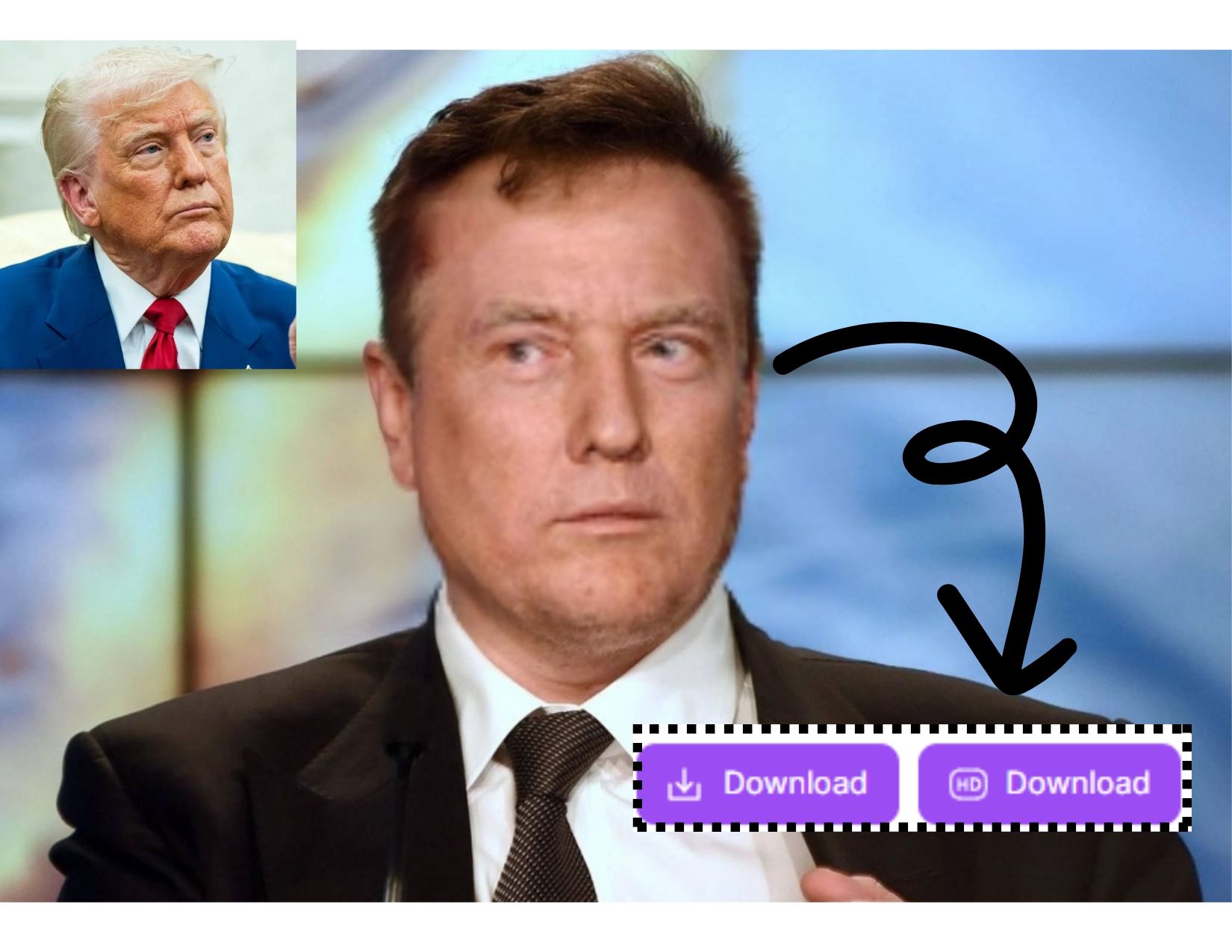
Press Swap Now, check the result, and download the finished GIF without a watermark.
Start swapping the moment you land here. This is exactly what free means on SwapFace.
New visitors get free credits automatically. No email, no password, no app to install. Upload a GIF and go.
Every GIF you download is clean. No logo in the corner, no blurred frames, no "upgrade to remove" trick.
Long reaction GIFs, high-frame-rate clips and HD memes are fine. Files up to 50 MB are processed on GPUs, usually in about 30 seconds.
The swapped face follows head turns, blinks and expressions frame by frame, so the GIF still looks like the original clip.
The GIF face swapper runs in the browser on iPhone, Android and PC. Nothing to download, nothing to update.
Free credits cover casual use. Heavier use unlocks more swaps, shorter queues and HD output, but the core GIF face swap stays free to try.
Top-rated GIF face swap online, free to generate your perfect face swap GIFs.
No need to download any software. GIF face swap online is compatible with both PC & Mobile devices. Users can seamlessly access our website across platforms.
This AI gif face swap tool is designed for easy-to-use. No skills required – just upload your GIF file, click, and watch the faceswap magic happen.
Do free users need to wait in line? Absolutely not! Powered by high-performance GPUs. Get your gif face swap done in seconds - fast, smooth, and hassle-free.
Experience ultra-realistic faceswap gif results powered by advanced AI algorithm. Seamlessly transform your favorite GIF with the new face.
No fakes. Cutting-edge AI GIF face swap with the best face swapping and blending effects. Swapface AI outputs natural, realistic faceswap GIFs.
Our tool supports gif face swap up to 50MB. Get your watermark-free face swap gifs now, perfect for sharing on social media or as fun chat stickers.
Some of the most common face swap GIFs our users create — and share.
Turn any reaction GIF into a personal one for group chats, Discord and Slack. The joke lands harder when it’s you.
Swap into viral meme GIFs for TikTok, Instagram and X. Fast enough to keep up with a trend while it’s still trending.
Put the birthday person into a dancing GIF, or the whole family into a Christmas clip, and send it as a card.
Export a short swapped GIF and turn it into a sticker for WhatsApp or Telegram.
Six things that make the difference between a fun swap and a perfect one.
Faces that stay mostly frontal and reasonably large in the frame swap cleanest. Tiny or side-on faces are harder to track.
A well-lit, front-facing portrait with no sunglasses or heavy filters gives the AI the most to work with.
If the GIF face looks left, pick a photo that looks slightly left too. Similar lighting makes the blend invisible.
A 2–6 second GIF processes in seconds. Longer clips still work up to 50 MB — they just take a little longer.
Use the HD download when you plan to post the GIF; the standard download is fine for chats.
Swap faces of people who are in on the joke. Never use the tool to deceive, harass or impersonate anyone.
It replaces the face in an animated GIF with a face from a photo. Upload both, and the new face is tracked across every frame so the movement and expression stay natural.
The AI finds the face in each frame of the GIF, then blends the target face onto it frame by frame rather than pasting one still image over the clip.
About 30 seconds, including on the free tier.
Into any GIF you own or have the rights to, yes. Swapping your own face is always fine. Using someone else's face needs their agreement, and public figures do not count as having agreed.
Upload a .gif file up to 50MB. Make sure the face in the GIF is clear and well lit, and that the portrait photo you supply is sharp and front-facing.
No. It swaps between human faces only, real or AI-generated. Animal faces are not supported.
The tool is legal. What you make with it depends on two separate things: the rights to the GIF itself, and permission from the person whose face you use. Permission to use someone's likeness is not the same as copyright, and it is the one that causes problems. Do not use it to impersonate, deceive or harass anyone.
Yes. New visitors receive free credits automatically, and signing in adds a few more when you want to keep going.
Yes. The GIF face swapper detects every face in the clip. Choose one to replace, or give each face its own target photo and swap them all at once.
No. New visitors receive free credits automatically and can swap right away. An account only matters if you want to keep your credits across devices or buy more.
Standard animated .gif files up to 50 MB. If your clip is an MP4 or WebM, use the video face swap instead, or convert it to GIF first.
Explore more of our products
Login To SwapFace
sign in to continue
 loading...
We'll email you a 6-digit code — no password needed.
Enter The 6-digit code sent to
Signing in automatically once all 6 digits are entered