

1.How does SwapFace AI Baby Filter work?
The AI analyzes your facial features and transforms your face into a younger version while preserving your original facial structure and identity.

Image Enhancer
Enhance image clarity
AI Image To Video
Generate video from your image & prompt
Clothes Swap
Upload an image and swap clothes

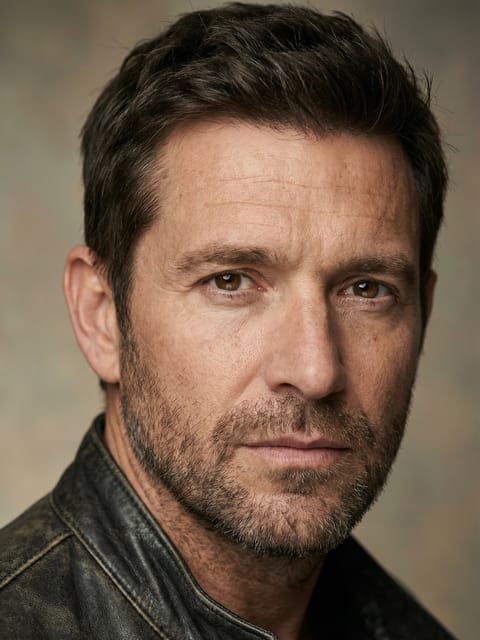
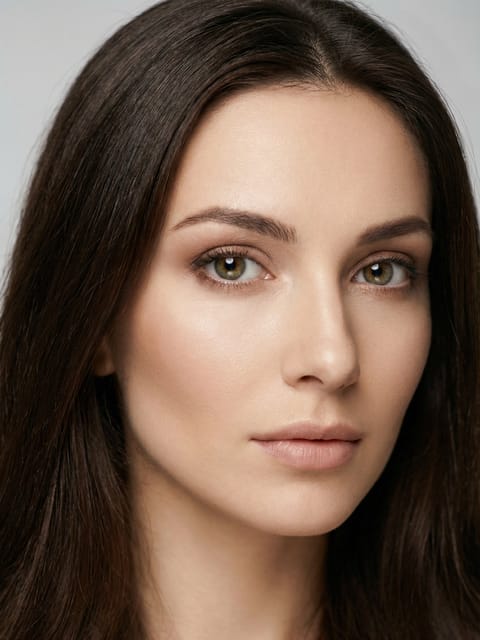
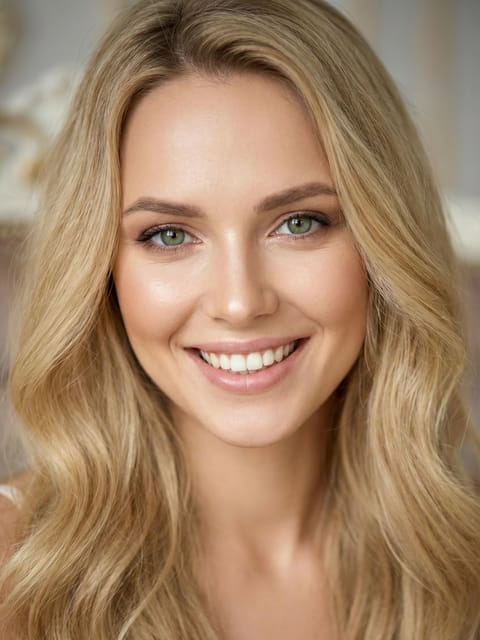
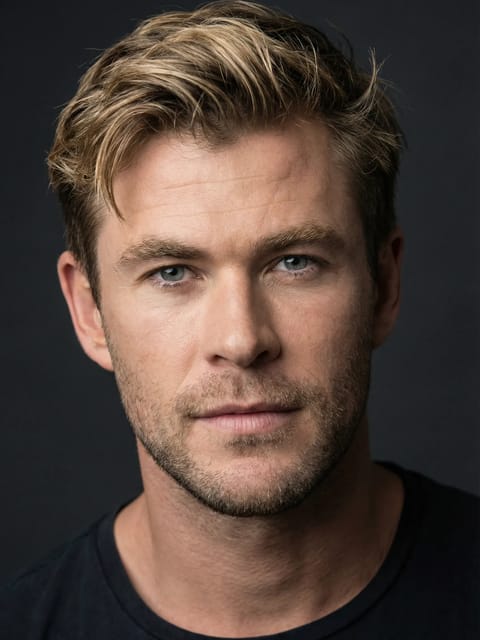
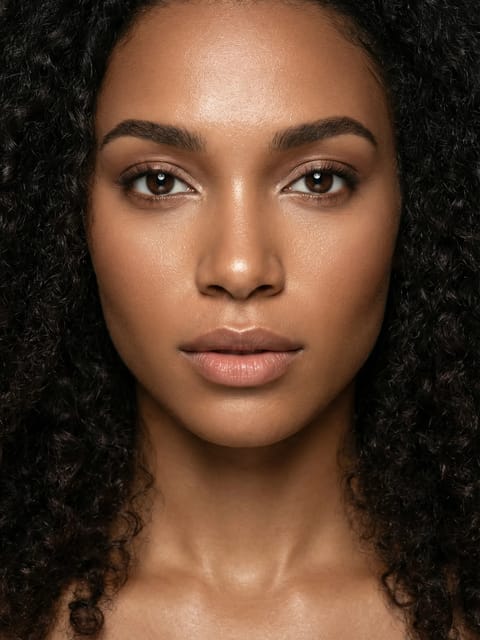
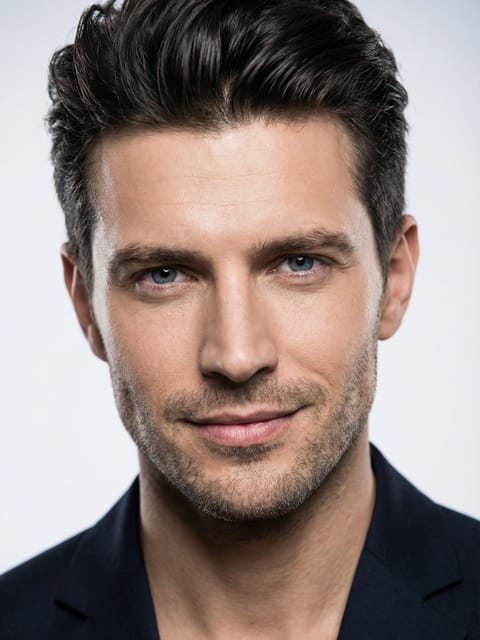
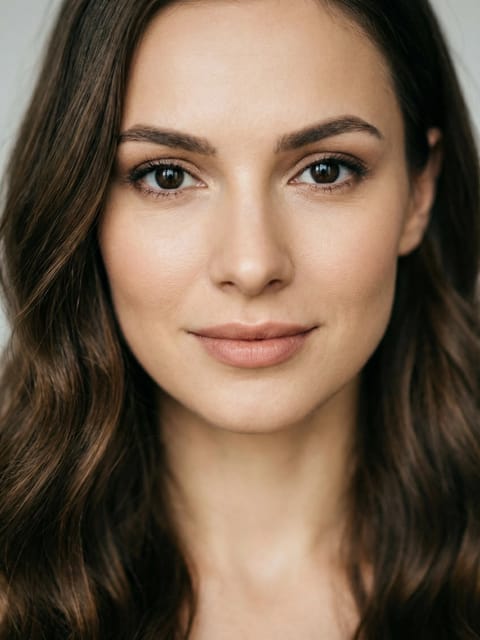
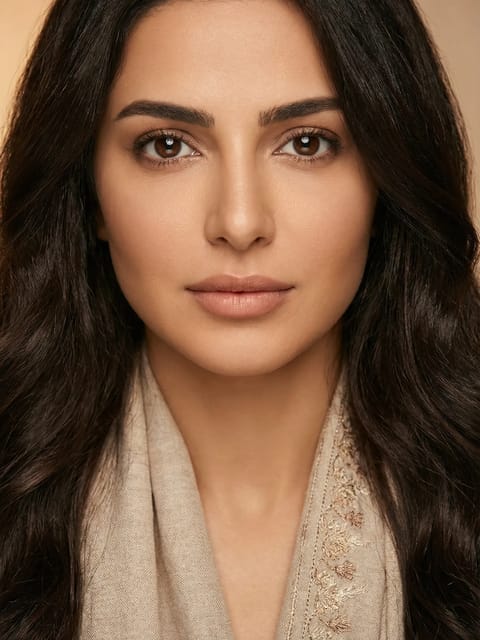
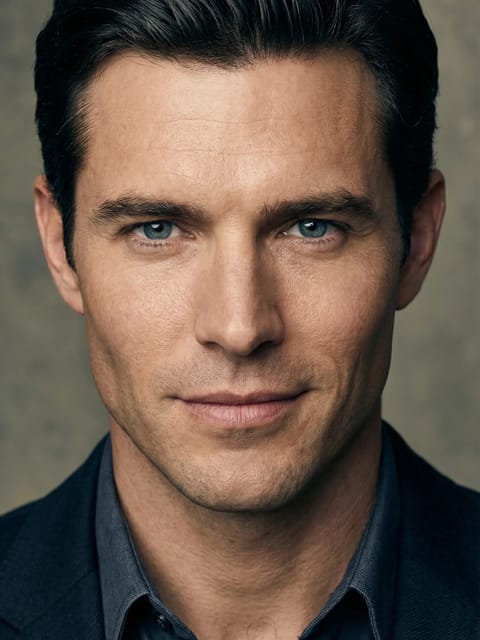
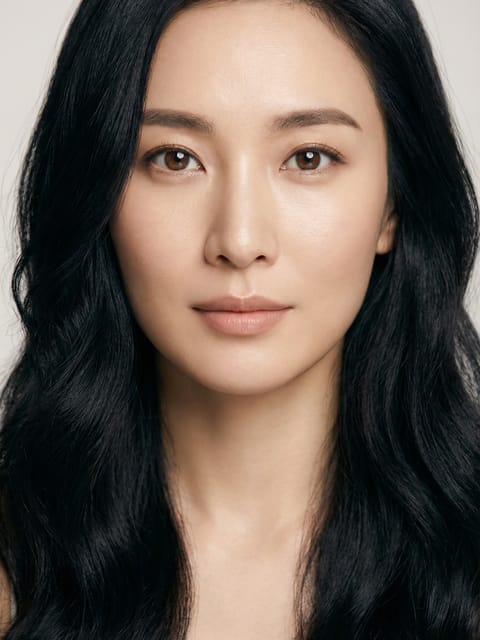
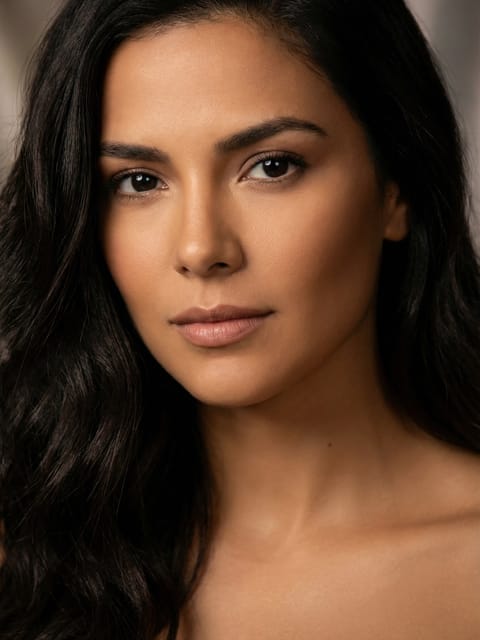
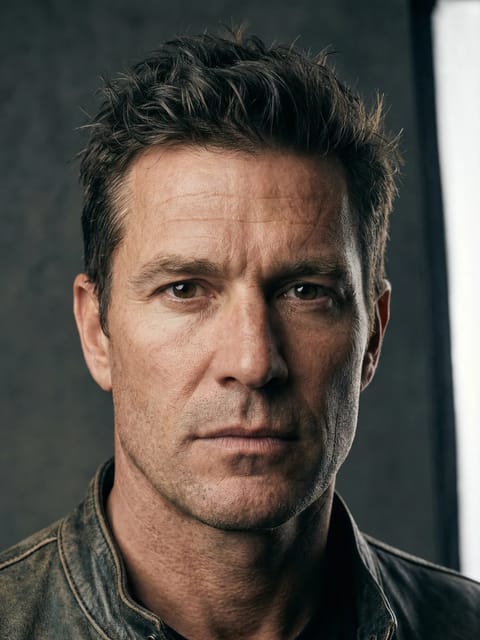
Your result will appear here
{{item.actionTypeLabel}}

{{i18n.loading.title}}
{{i18n.loading.desc}}

{{i18n.unable_to_process}}
{{i18n.sensitive_content}}
{{item.error.title}}
{{item.error.desc}}
Original
Result
Upload a photo and apply a baby filter to transform your face into a cute, chubby baby version in seconds.
Apply a baby filter without unrealistic flaws. Natural skin texture and skin tone are preserved, making the result look like a real childhood photo, not an exaggerated or artificial image.
Customize the baby filter freely. Whether you want to look like a toddler or a 6-year-old child, SwapFace adapts to your preference.
Surprise your followers with adorable baby-face photos. Create fun, eye-catching content and boost engagement instantly on social media.
Prank your family who watched you grow up, or share the baby-face photo with friends and let them guess. Enjoy the laughter and entertainment AI brings to your moments together.
The AI analyzes your facial features and transforms your face into a younger version while preserving your original facial structure and identity.
For the most natural and realistic results, upload a clear, high-quality photo that shows your entire face.
Yes! You can edit the template prompt to fine-tune the baby filter based on your preferences.
Absolutely. Your data is private and secure, no one can access it. All uploaded and generated content is automatically deleted within 24 hours, and your data is never used to train our models.
Login To SwapFace
sign in to continue
 loading...
We'll email you a 6-digit code — no password needed.
Enter The 6-digit code sent to
Signing in automatically once all 6 digits are entered


