

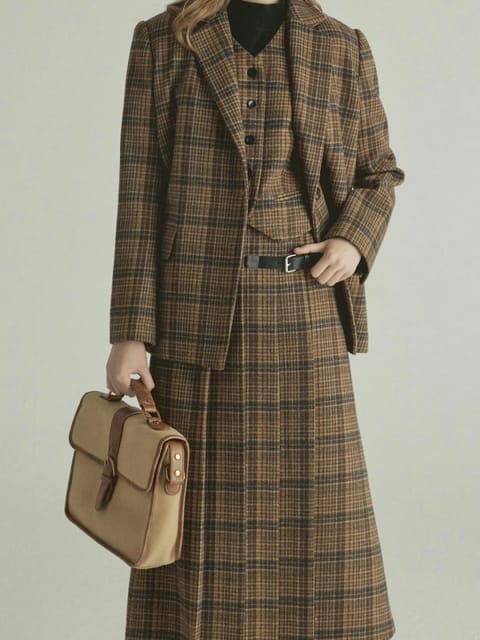
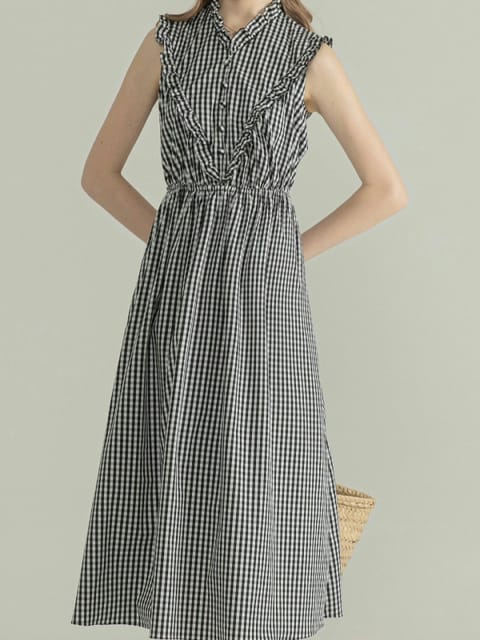
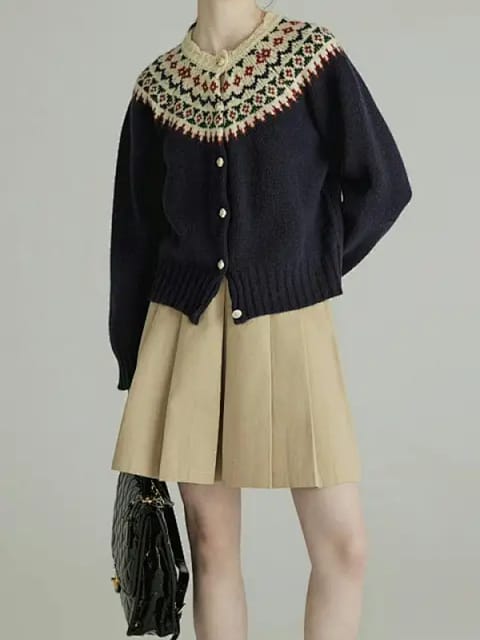
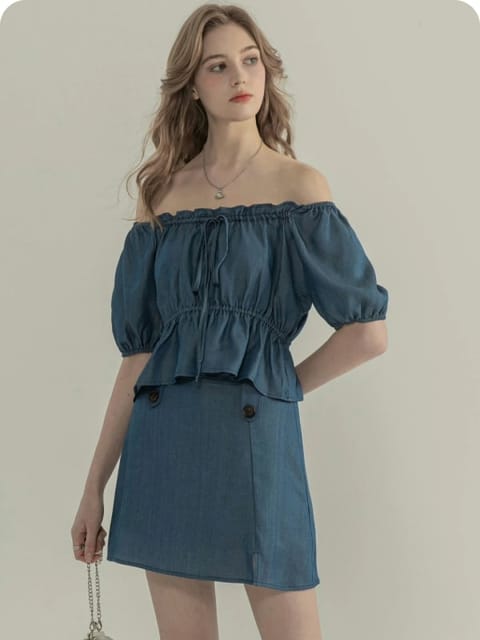
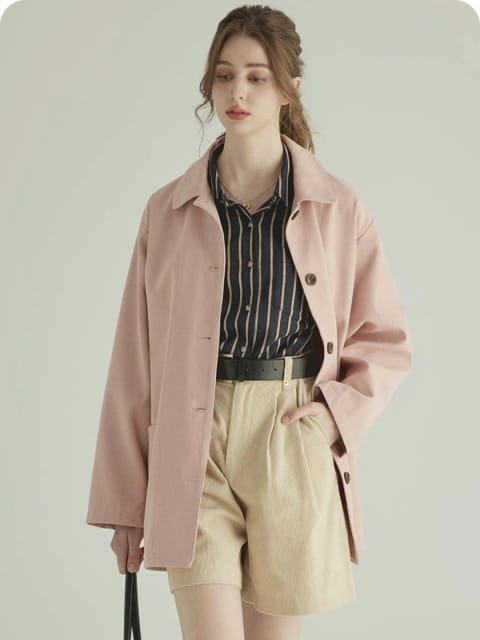
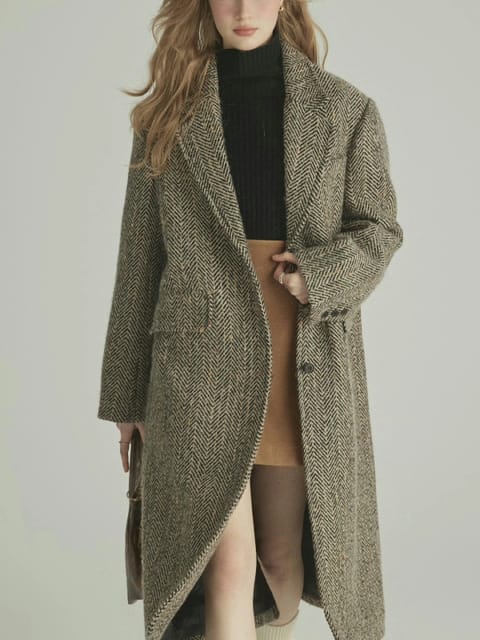
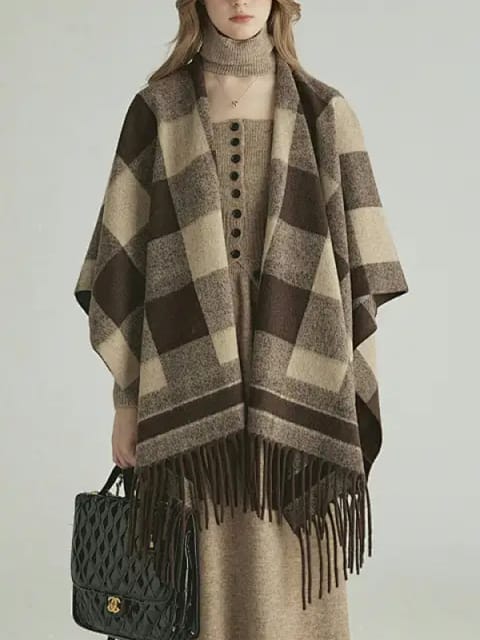
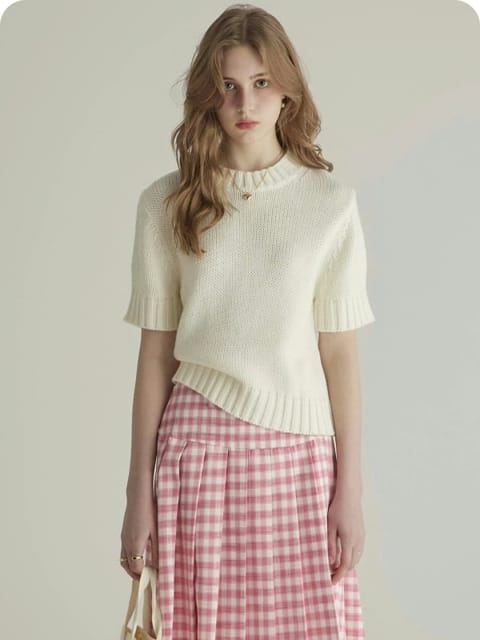
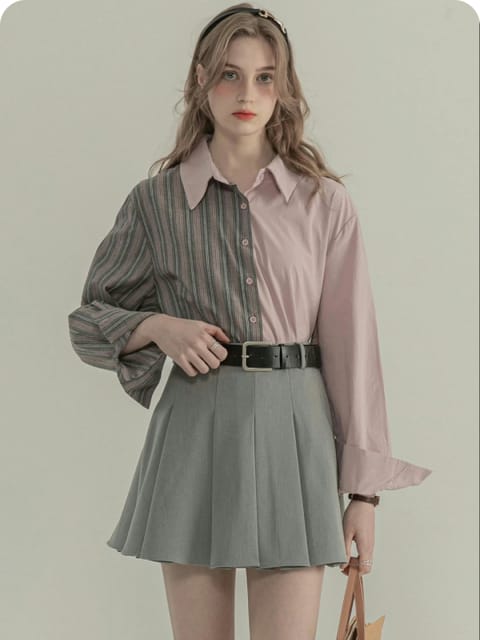
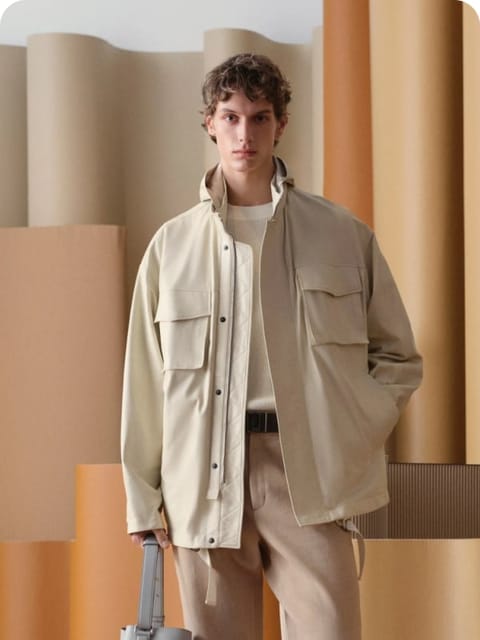
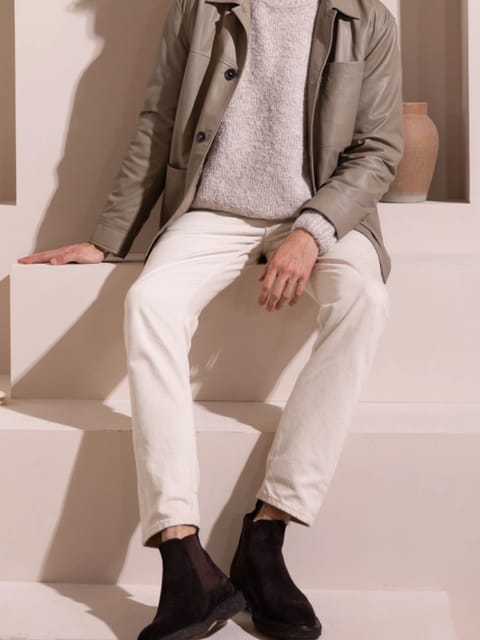
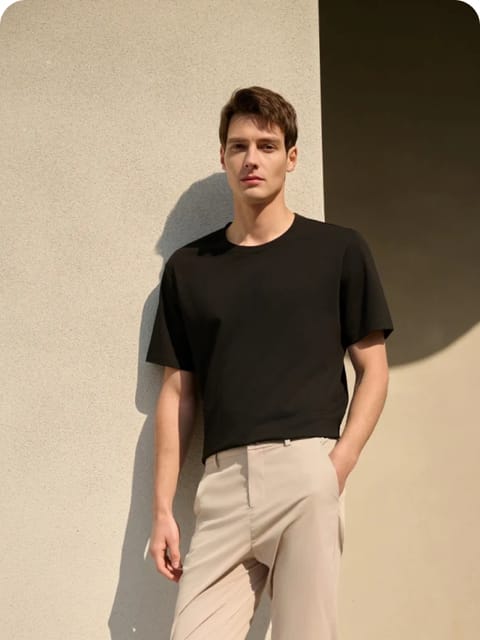

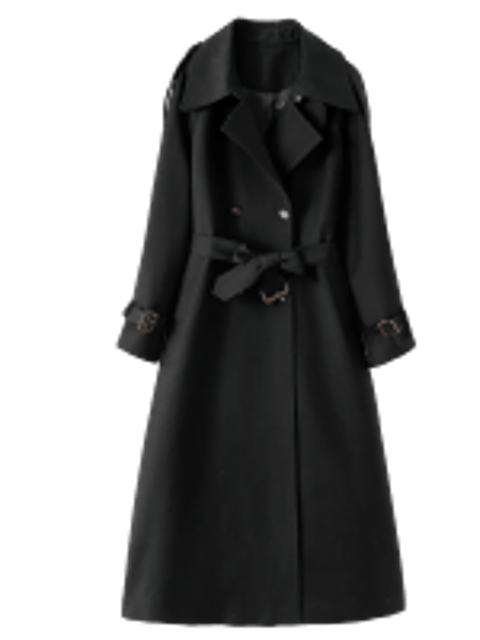
1.What is AI clothing try-on?
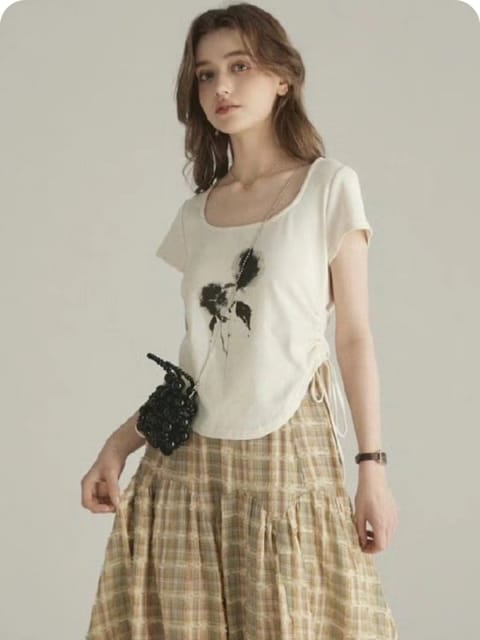
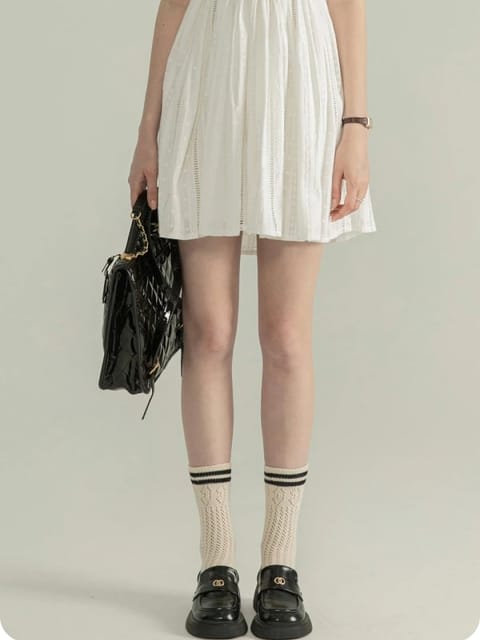
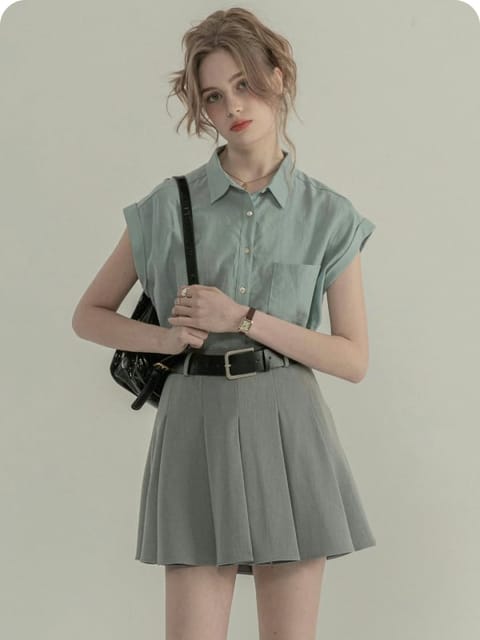
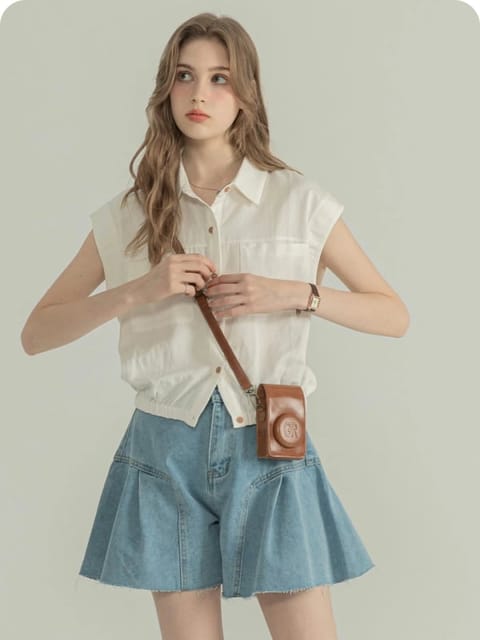
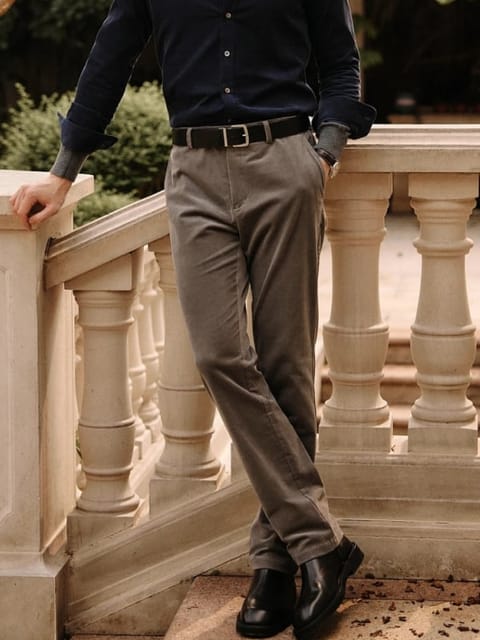
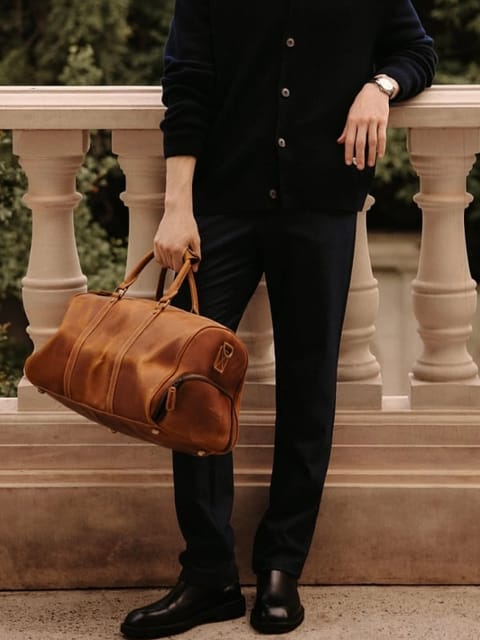
It takes two images, a model photo and a garment photo, and returns the model wearing that garment. You do not need the physical item or a photographer.

SwapFace AI clothing try-on replaces the outfit on a model photo with a different one. The background, pose, and lighting stay as they were, so the result looks like the model actually wore it.
Shoot one model once. Show the whole catalog on them.
Three steps, no editing skills needed.
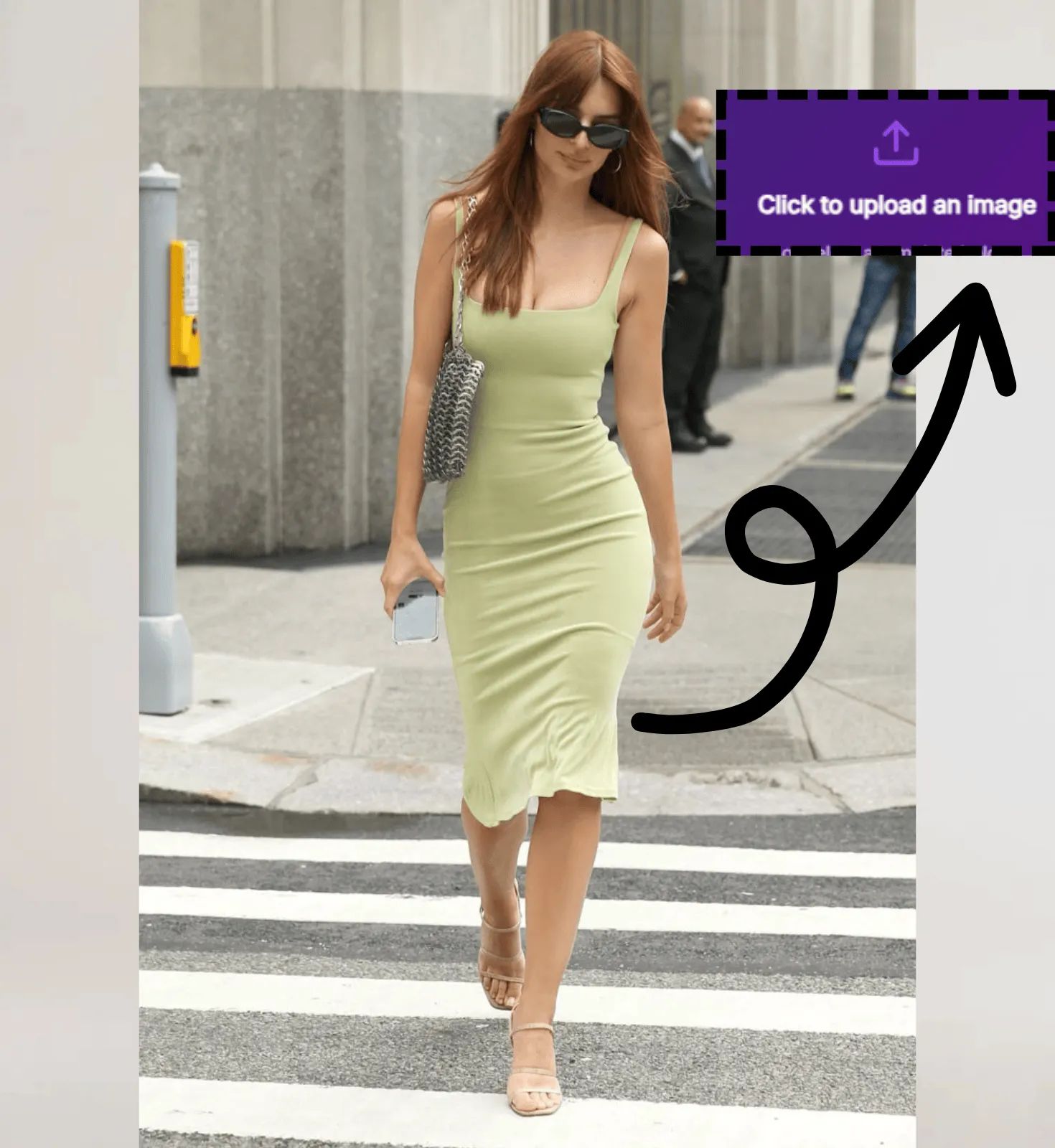
Any photo of a person works. Front-facing shots with the full garment visible give the cleanest result.
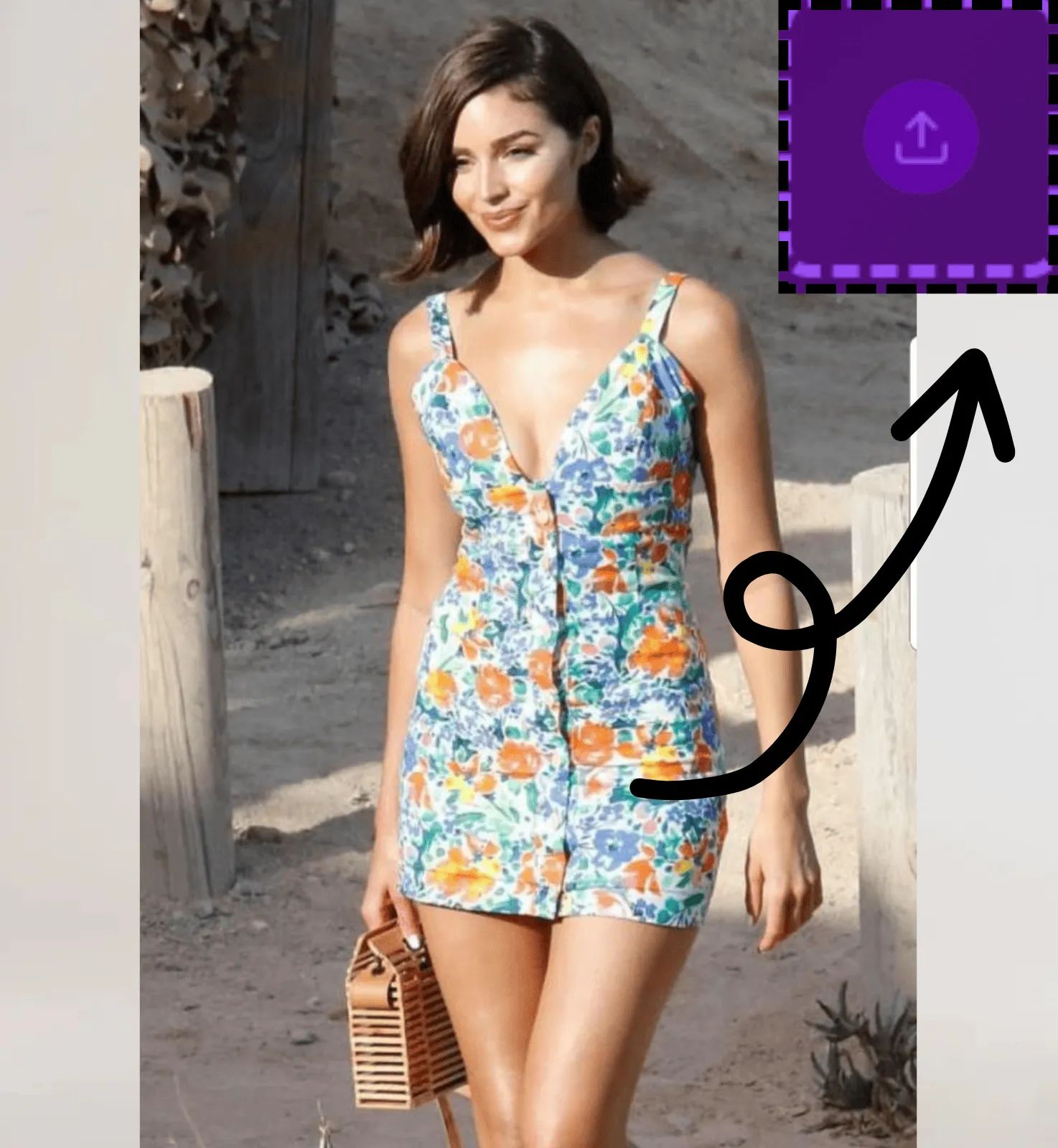
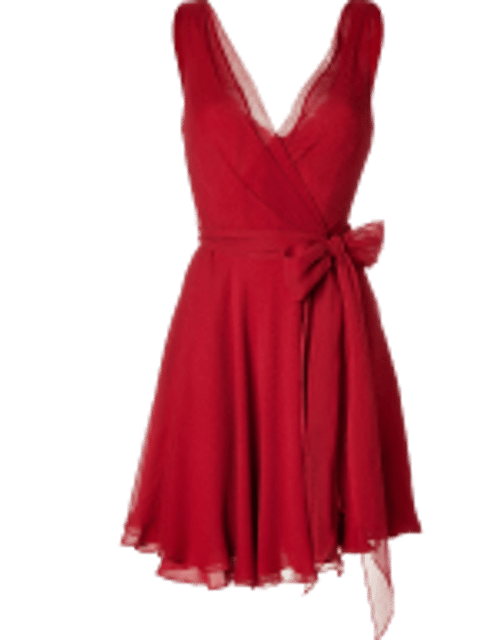
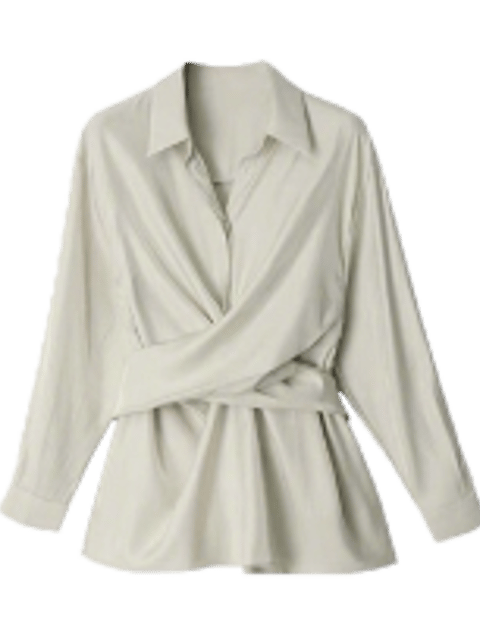
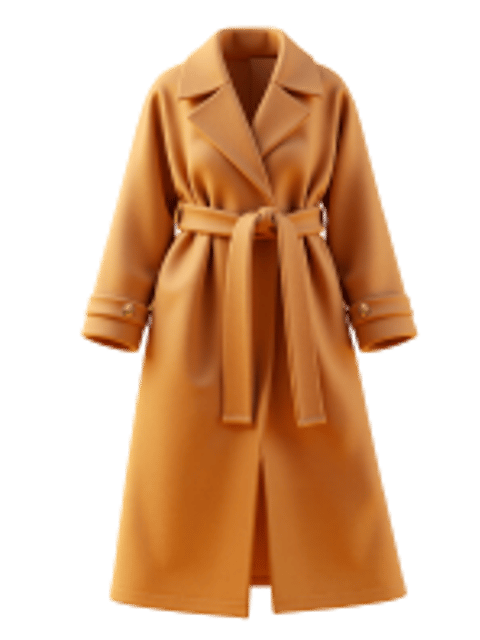
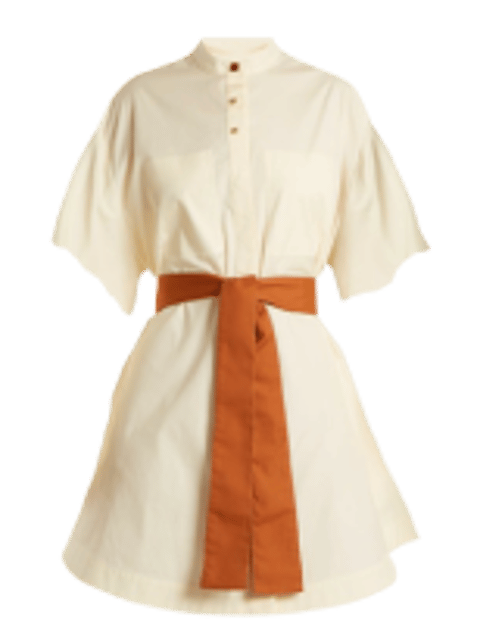
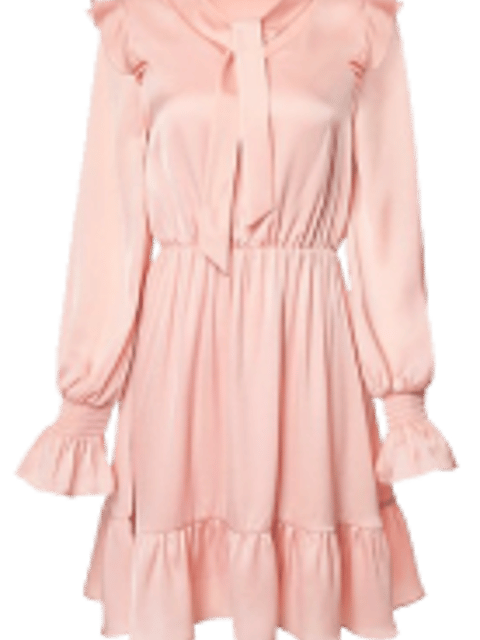
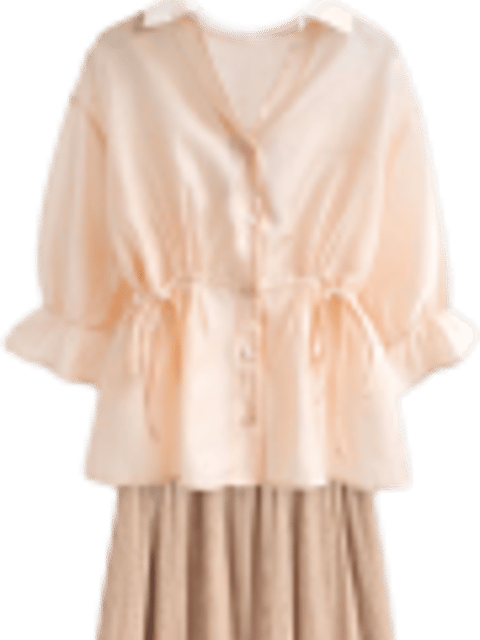
Upload the piece you want them wearing. A product shot on a white background works best.
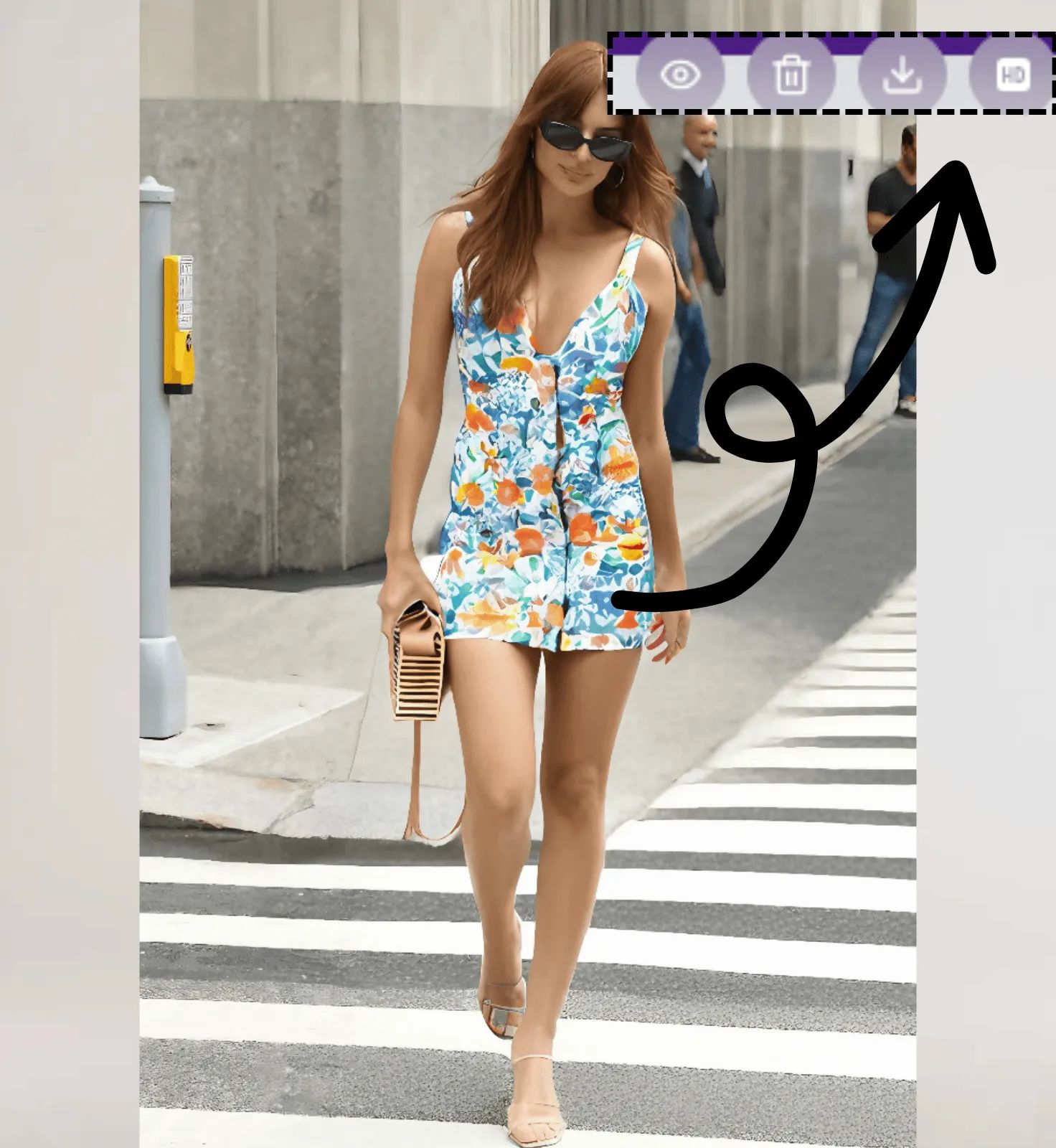
Processing takes a few seconds. Download the image or send it straight to your listing.
A new drop with forty pieces normally means forty shots. Here you shoot the model once and swap each garment in.
Red, navy, and olive versions of the same shirt need three images. None of them need a new shoot.
Amazon, Etsy, and most marketplaces want a model image. If you only have flat product shots and one old model photo, this fills the gap.
Put a sample design on a model before the factory run. Cheaper than finding out the cut photographs badly after 500 units arrive.
You can run it from the buyer side too. Upload a photo of yourself, add the product image from the listing, and see the piece on you before you pay for it.
Product photos show the garment on a model whose build is not yours. Putting it on your own photo gives you a closer read on how the cut and length will sit.
Shoppers often buy two or three variants planning to return the rest. Trying each one on first cuts down on the returns, and on the shipping that comes with them.
Save the results and put them side by side. Easier than deciding from separate tabs of product shots.
The garment follows the body already in the photo. Shadows and highlights match the original lighting instead of looking pasted on.
Prints, stripes, and brand marks keep their position and scale rather than smearing across the fabric.
Single pieces or a complete look. Outerwear over a base layer works too.
Sheer fabrics and heavy pleating come out rough. Very low-light model photos lose detail in the garment. Worth knowing before you build a workflow around it.
It takes two images, a model photo and a garment photo, and returns the model wearing that garment. You do not need the physical item or a photographer.
Upload the model photo, upload the clothing image, and download the result. Nothing to install.
Yes. Save the product image from the listing, upload a photo of yourself, and swap it in. You see the item on your own build and lighting instead of on the store's model.
Use a front-facing model photo where the current outfit is fully visible, and a garment shot on a plain background. Blurry or heavily cropped inputs produce weaker results.
Yes. Upload the same piece in the color you want and swap it in.
You can start free. Paid plans cover higher volume and faster processing.
Yes, including commercially. You need the rights to both the model photo and the garment image you upload.
Images are deleted after 24 hours and are never used for training.
Explore more of our products
Login To SwapFace
sign in to continue
 loading...
We'll email you a 6-digit code — no password needed.
Enter The 6-digit code sent to
Signing in automatically once all 6 digits are entered