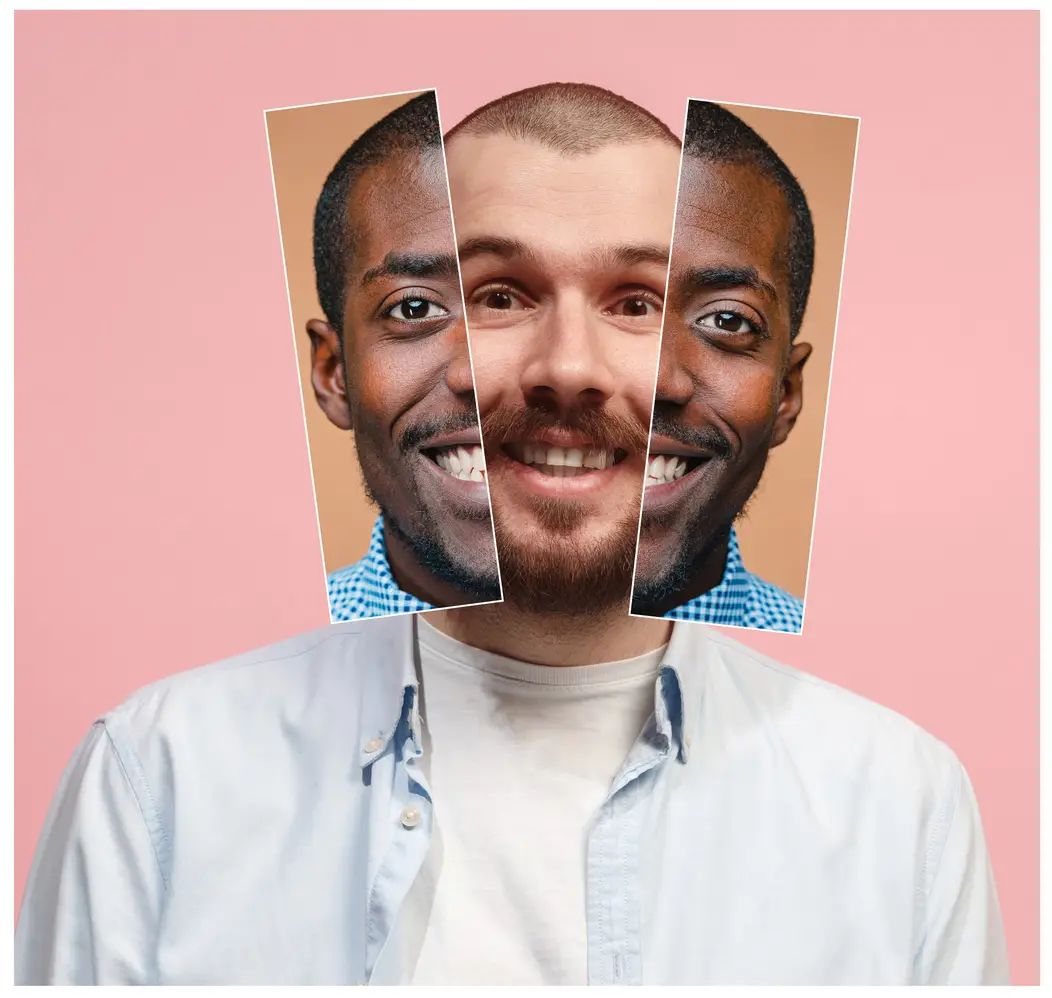
1.What is the Multiple Face Swap?
It replaces several faces in the same photo in one run. Every face in the picture is detected automatically, and you choose which ones to change.

Upload a group photo and SwapFace AI finds every face in it, up to eight. Pick the ones you want to replace and leave the rest alone, or swap all of them in a single pass. Results come back in 10 to 15 seconds in HD, with no watermark and no sign-up.
Files supported: .jpeg .jpg .webp .png .avif
ALL files are auto-deleted within 24 hours
Add replacement face
Click the "+" below to add the face you want to change
Before
After


 Recent Tasks
Three steps, no account needed.

Upload a clear high-quality photo that contains multiple faces you want to swap. Ensure that each face in the photo is clear and well-lit.

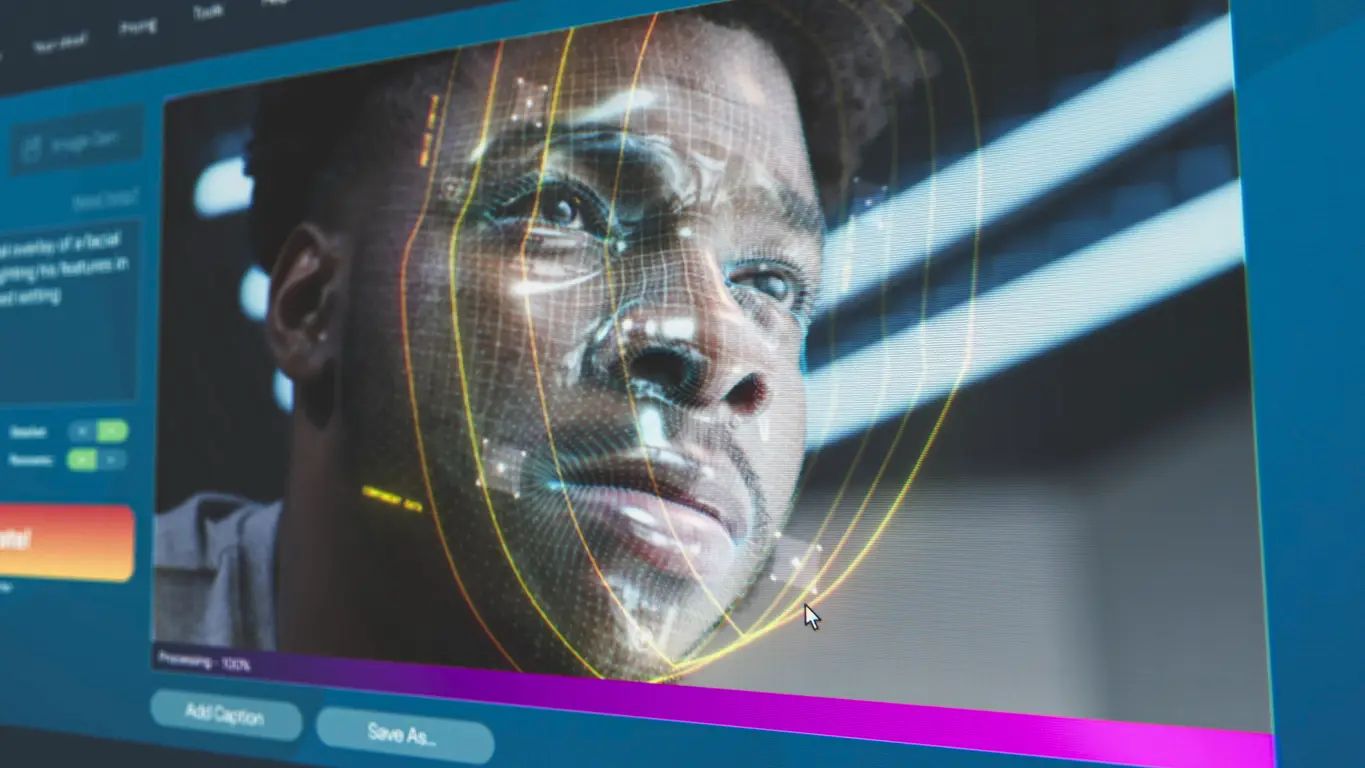
Our multiple face swapper will automatically detect and list all faces in the image. You can choose to swap all faces at once, or customize and select several faces to swap.

Press Swap, check the result online, and download in HD when it looks right. Run it again if one face needs another pass.
Family photos, team shots and reunion pictures go through in a single run instead of one face at a time.

Photos up to 50MB upload as they are, so a full-resolution group shot does not need cropping or compressing first.

Each new face is fitted to the head angle and lighting of the one it replaces. That per-face matching is what keeps a group shot from looking pasted together.

Transfer and processing are encrypted. Uploads and results are removed from our servers within 24 hours, and we do not use your photos for AI training.

Results download at full quality with nothing stamped on them.

It replaces several faces in the same photo in one run. Every face in the picture is detected automatically, and you choose which ones to change.
Currently, we primarily support 4 formats: JPEG, JPG, PNG, and WebP. The maximum photo size is up to 50MB.
10 to 15 seconds, whether you swap two faces or eight.
Up to eight in a single photo. Team photos, family reunions and party shots all go through in one run.
Make sure every face you want swapped is clearly visible and well lit. A clean background helps. The faces in your target photos should be sharp too, since a blurry source face produces a blurry result. For video, use our multiple video face swap instead.
Transfer and processing are encrypted, and uploads and results are cleared within 24 hours. We do not use your photos for AI training.
Yes! SwapFace offers free credits once you visit the site. Your first multiple face swap won't cost anything.
The legality of commercial use depends on factors like copyright and privacy rights. You need to ensure you have permission from the individuals whose faces are used, especially if you're using face-swapped images for advertising or branding.
Genuine user reviews, including feedback from our Product Hunt launch.

This tool supports multiple face swap, at first I just wanted to try it.Then I realized that it has a very natural face swap effect, and I now use it to create some interesting face swap photos every day.
I used to swap face manually with software, and then I realized it was too stupid! This Multiple Face Swap Photo Online Free has literally made me discover a new continent, I can do the multiple face swap in seconds and it has saved me at least 2 hours of time.
I prefer this simple Multiple Face Swap Photo Online Free to other tools that require setting parameters.Because I can get seamless multiple face swap with one click, which is suitable for lazy people like me.
This tool supports online face swap with no download and short waiting time. Compared to other face swap apps that are slow and need to be downloaded,it is too convenient!
Explore more of our products
Login To SwapFace
sign in to continue
 loading...
We'll email you a 6-digit code — no password needed.
Enter The 6-digit code sent to
Signing in automatically once all 6 digits are entered