













1.How do I use the remove clothing AI?
Upload the photo, choose Full, Top only or Bottom only, then run it. The AI clothes remover returns the edited picture in about 30 seconds, and you do not need to sign up to try it.

Image Enhancer
Enhance image clarity
AI Image To Video
Generate video from your image & prompt
Clothes Swap
Upload an image and swap clothes
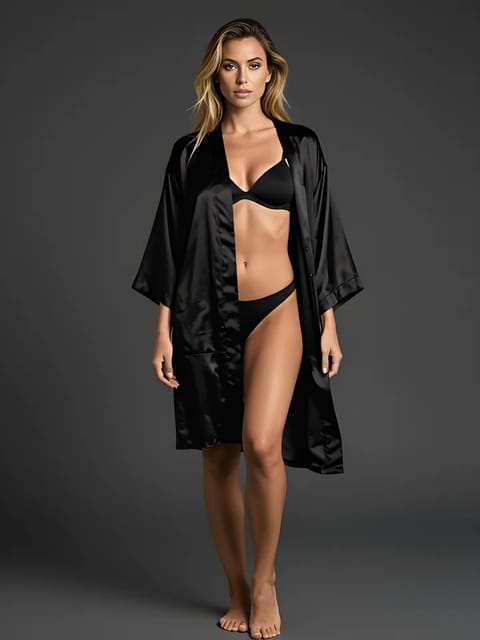
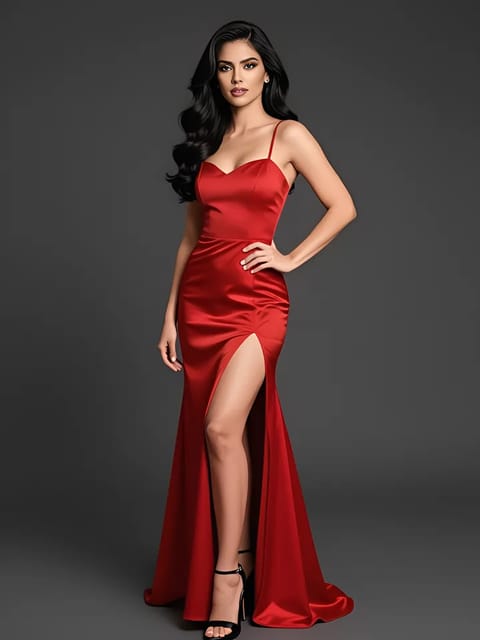
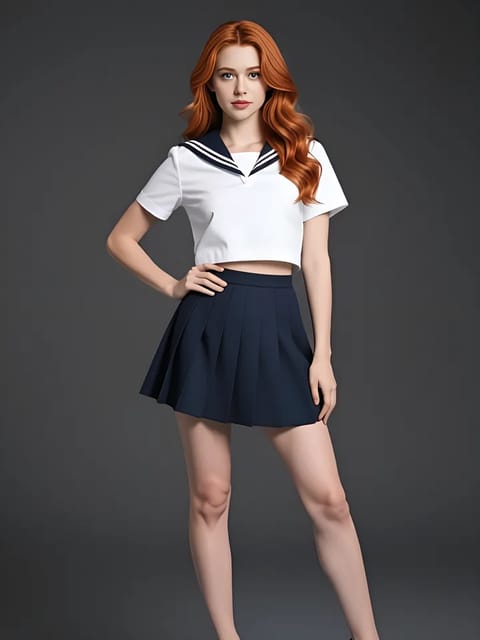
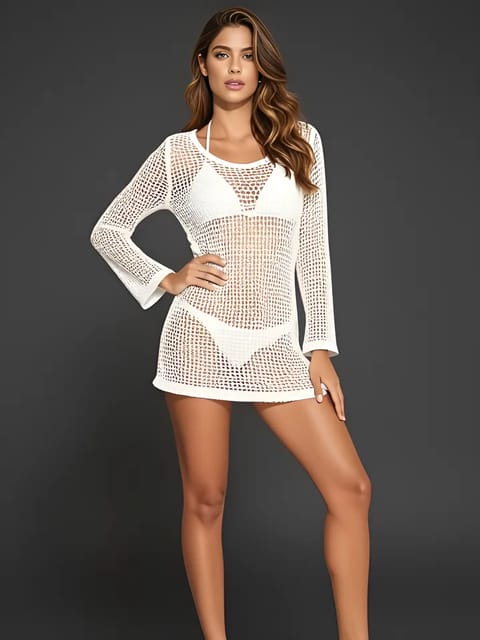
Your result will appear here
{{item.actionTypeLabel}}

{{i18n.loading.title}}
{{i18n.loading.desc}}

{{i18n.unable_to_process}}
{{i18n.sensitive_content}}
{{item.error.title}}
{{item.error.desc}}
Original
Result
Upload a photo and SwapFace's remove clothing AI edits what the subject is wearing, keeping the original pose, lighting and background. Use it on your own photos, or on images where the subject has given you permission. Uploads are deleted within 24 hours.
Edit clothing in a photo right in your browser. New visitors get free credits, so you can try it before deciding anything.
Every new visitor gets free credits, so the first edit costs nothing.
It runs in the browser. Upload a picture, pick a preset effect and get the result without creating an account first.
Desktop, tablet or phone. The same three steps, with nothing to install.
Most jobs finish in under 30 seconds, so you can try another mode on the same picture instead of waiting in a queue.
Your original photo and the result are removed from our servers within 24 hours. Nothing is kept to train models.
For adults 18 and over. Use it on your own photos, or on images where the subject has given you explicit permission. Uploading photos of minors, or of people who have not agreed, is prohibited and enforced.
One tool, several modes. You decide which part of the outfit gets changed, and the rest of the picture stays as it was.
Upload a picture and the tool replaces what the subject is wearing, keeping the original pose, lighting and body shape.
Full, Top only and Bottom only decide which part of the outfit the tool works on, instead of changing the whole picture.
Edits are applied to the subject alone. Background, hair and props stay exactly as they were.
Layered outfits, denim, knitwear and patterned fabric are handled by the same model, no manual masking or brush work.
Not happy with a result? Switch the mode and run the clothes remover again on the same upload.
A text field lets you steer the output, which helps when the default is not the look you had in mind.
A few things that make a visible difference.
Blur and heavy shadow are the two biggest causes of poor output. A clean, evenly lit picture gives the model more to work with.
Group shots split the model's attention. Crop to a single person for a noticeably cleaner edge.
Bodies turned toward the camera reconstruct better than extreme side, overhead or from-below angles.
Bags, crossed arms and furniture in front of the subject leave the model guessing. Pick a frame where the body is visible.
If Full mode overshoots, the split modes often produce a more believable picture with less to fix afterwards.
Screenshots and re-compressed images lose detail. The original file gives the AI clothes remover the most to work from.
Upload the photo, choose Full, Top only or Bottom only, then run it. The AI clothes remover returns the edited picture in about 30 seconds, and you do not need to sign up to try it.
New visitors get free credits, so the first edit costs nothing. Heavier use is covered by additional credits or a plan.
JPEG, JPG, PNG, WEBP and AVIF. Upload the original file rather than a screenshot, which gives noticeably better quality.
Uploads and results are deleted within 24 hours. We do not use your pictures to train models.
Yes. Full works on the whole outfit, while Top only and Bottom only limit the change to one half of the picture.
Usually blur, low light, an unusual camera angle or a heavily occluded body. Try a sharper photo of one person facing the camera, or switch to a different mode.
Only your own photos, or photos where the person has given you explicit permission. The tool is for adults 18 and over. Uploading images of minors or of people who have not consented is prohibited and enforced.
Yes. It runs in the mobile browser with the same steps, and there is nothing to install.
Explore more of our products
Login To SwapFace
sign in to continue
 loading...
We'll email you a 6-digit code — no password needed.
Enter The 6-digit code sent to
Signing in automatically once all 6 digits are entered