

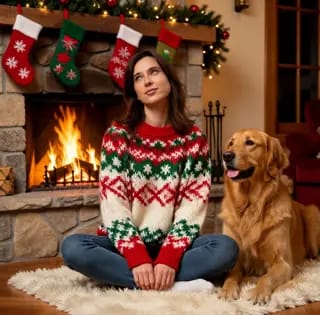






1.Is the AI Christmas photo generator free?
Yes. New visitors receive free credits automatically, so your first Christmas photos cost nothing. Signing in adds more credits when you want to keep going, and paid plans exist for heavy use.

Upload a photo, pick a Christmas scene, and get a realistic festive portrait in seconds — your own face, not a generic AI face. Free credits the moment you arrive, no sign-up needed.
Three steps, under a minute, no editing skills.
Built to keep you recognisable — the point of a Christmas photo is that it is you.
Most AI generators invent a new person. This one rebuilds the scene around the face in your photo, so friends recognise you.
Realistic lighting, skin and fabric. If you want an illustrated look, the Christmas card generator does that instead.
New visitors get credits automatically. Your first Christmas photos cost nothing and need no account.
A single photo is usually done in a few seconds — fast enough to try several scenes before you pick one.
No studio shot needed. A phone photo with your face visible is enough; the AI handles the rest.
Uploads and results are removed automatically and permanently within 24 hours, with no backups.
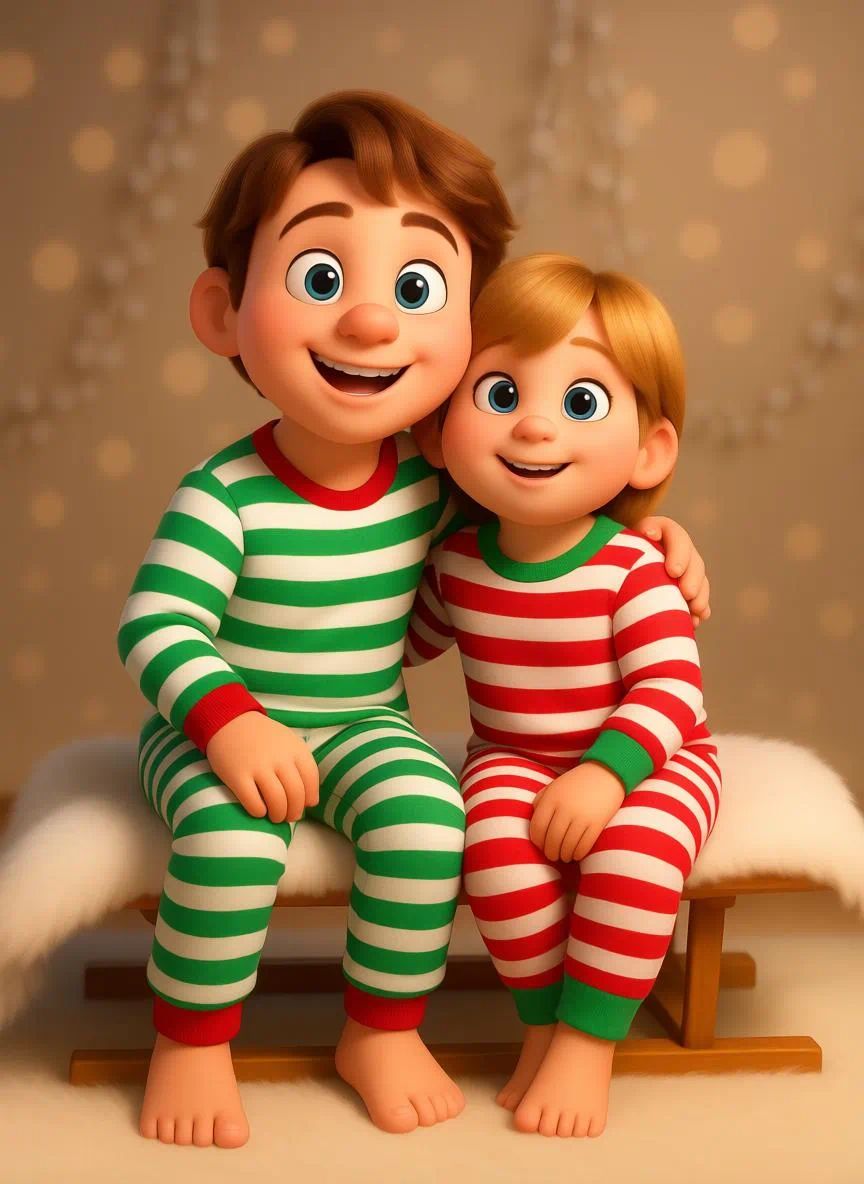
Put everyone in matching sweaters by the tree — even the relative who could not make it this year.
A festive version of your usual photo for social media, group chats and work profiles through December.
A cozy portrait under the mistletoe or by the fire, without booking a photographer.
Make the photo here, then turn it into a card in the Christmas card generator — the two tools work together.
Give the whole team the same Christmas scene for the company newsletter or end-of-year post.
Santa hats, reindeer antlers and a spot under the tree — it works on dogs and cats as well as people.
Yes. New visitors receive free credits automatically, so your first Christmas photos cost nothing. Signing in adds more credits when you want to keep going, and paid plans exist for heavy use.
No. You can start straight away — free credits are granted to new visitors without registration. An account only becomes useful if you want to keep your history or add credits.
That is the whole point. The AI keeps the face, identity and expression from your uploaded photo and rebuilds the Christmas scene around it, instead of generating a new person.
Yes. Make the photo here, then open it in the AI Christmas card generator to add an illustrated card style, or use it as-is in any card design tool.
ElfYourself animates a cartoon elf with your face. This tool makes a realistic Christmas photo of you instead — a different result, and no app to install.
Common image formats such as JPG, PNG and WebP. One clear photo with the face visible is enough.
Uploaded material and generated content are automatically and permanently deleted within 24 hours of processing, with no backups. The only exception is content flagged by our safety systems, which may be retained as required by law.
Yes. Use the HD download for prints and cards; the standard download is fine for social media and messaging.
Turn the same photo into a card, a video or a face swap.
Login To SwapFace
sign in to continue
 loading...
We'll email you a 6-digit code — no password needed.
Enter The 6-digit code sent to
Signing in automatically once all 6 digits are entered