



1.Is AI face swap free?
Yes. New visitors receive free credits automatically, so your first swaps cost nothing. Signing in adds more credits when you want to keep going, and paid plans exist for heavy or commercial use.

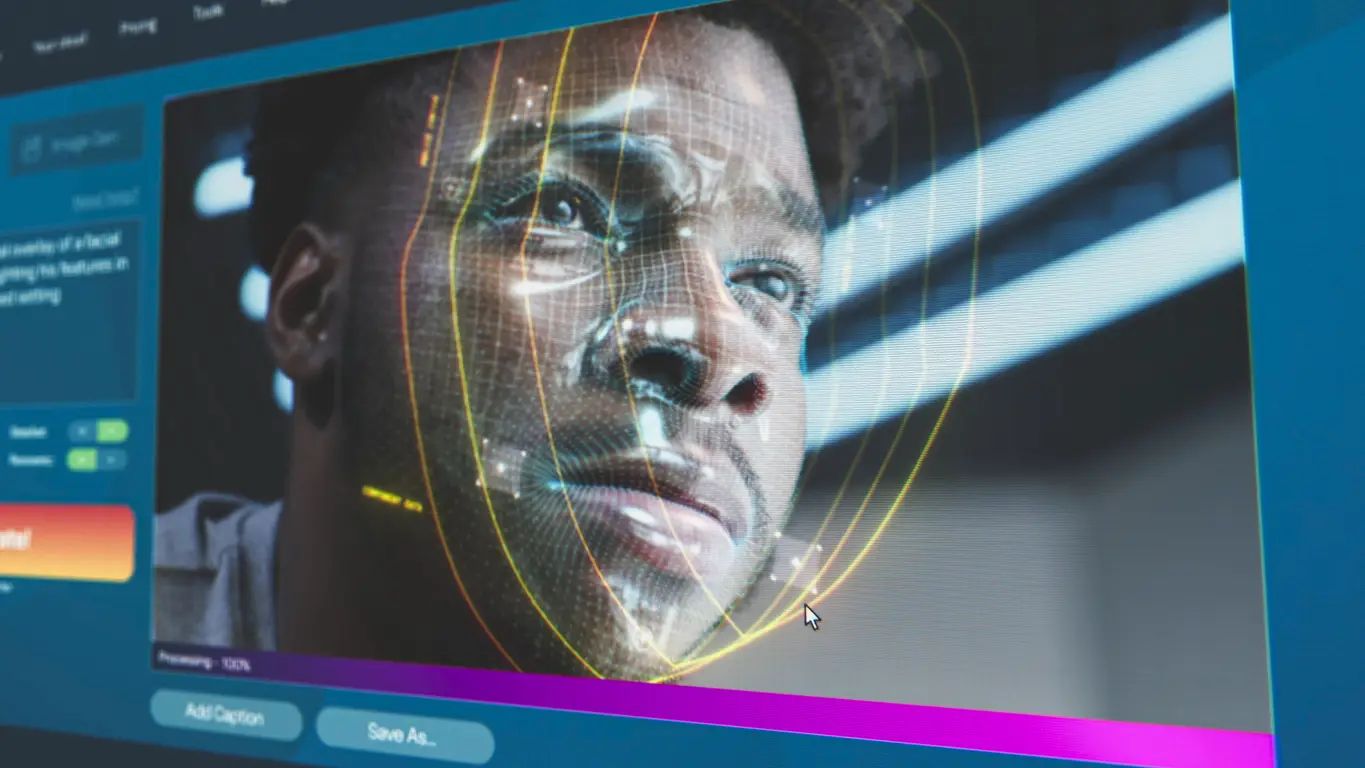
Image / Video Face Swap
Drag to adjust video length.
Add replacement face
Add another face to the same video without leaving the page.
Free to Preview
Fast Swap
HD Swap
Drop in a photo, pick the face you want, and let the AI do the rest. Works on photos, videos and GIFs — and you get free credits the moment you arrive, no sign-up needed.
Every kind of swap has its own dedicated tool. Start with the one that matches what you are making.
No editing skills and no software to install. The whole thing takes under a minute.
Built for the swap itself — not for a sign-up funnel.
New visitors get credits automatically. You can make your first swaps without creating an account at all.
Most tools do one of the three. Here the same face works across all of them.
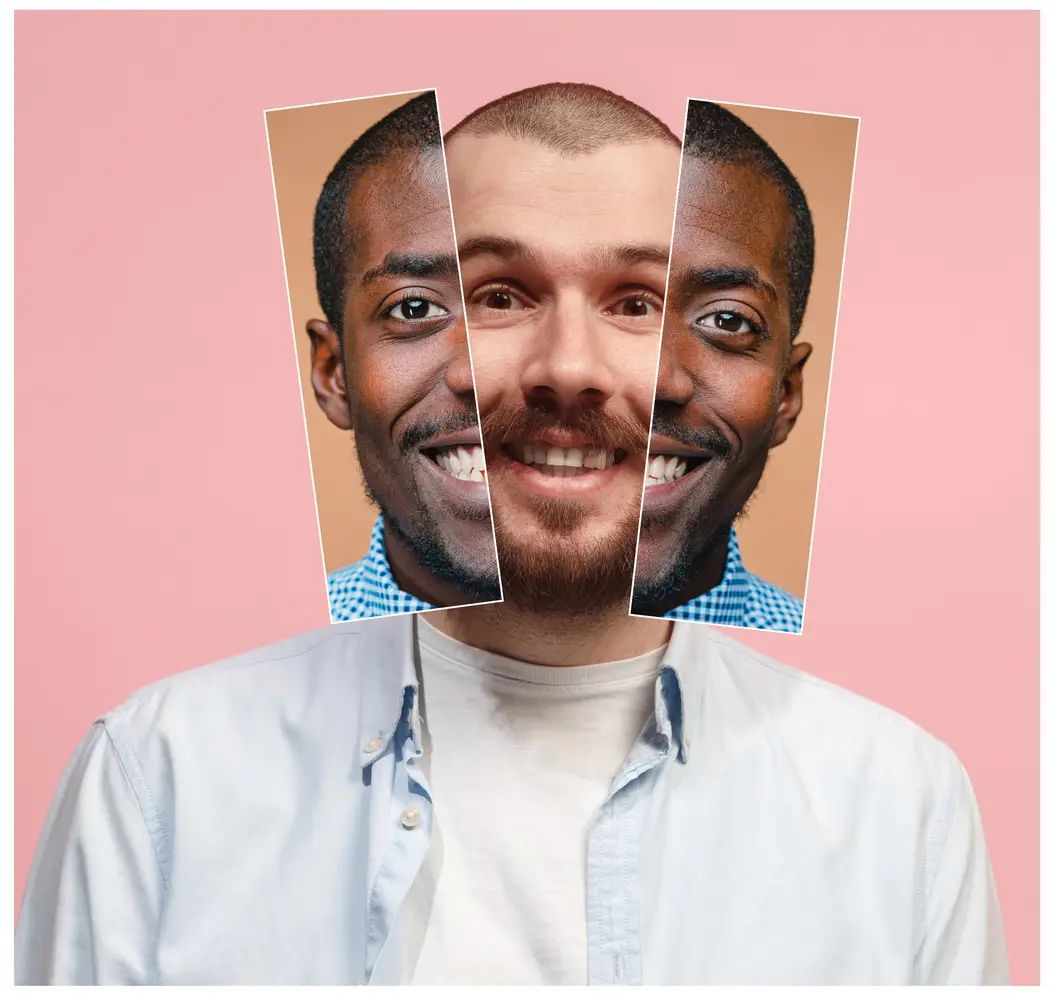
Group photos are handled properly — choose exactly which face is replaced and which stays.
When the hairline or head shape matters, swap the whole head instead of pasting a face onto it.
Queue a whole folder of images or a set of clips and collect them together.
The same face swap engine is available as an API when you need it inside your own pipeline.
Drop a friend's face into a reaction image or a trending format and post it while the joke is still fresh.
Fix the one person who blinked, or put someone who missed the day into the group shot.
Put yourself into a scene you love. Video face swap keeps the expression and head movement of the original.
Swap into a highlight clip or a team photo for fan content and match-day posts.
See how a different look reads before you commit to it — a quick way to test a character or a costume.
Place a face into a period portrait or a costume set for storytelling, class projects and gifts.
Yes. New visitors receive free credits automatically, so your first swaps cost nothing. Signing in adds more credits when you want to keep going, and paid plans exist for heavy or commercial use.
No. You can start swapping straight away — free credits are granted to new visitors without registration. An account only becomes useful when you want to keep your history or add more credits.
Yes. Use the video face swapper for clips and the GIF face swap maker for animated images. Both keep the head movement and expression of the original.
Yes. The multiple face swap tool detects every face in a group shot and lets you decide which ones to replace and which to leave alone.
A single photo is usually done in a few seconds. Videos depend on length and resolution — a short clip is typically ready in about a minute.
Common image formats such as JPG, PNG and WebP, animated GIFs, and standard video formats including MP4 and MOV.
Uploaded material and generated content are automatically and permanently deleted within 24 hours of processing, with no backups. The only exception is content flagged by our safety systems, which may be retained as required by law.
Yes. The same engine is available as an API so you can run face swaps inside your own product or automation.
Other things you can do with the same face.
Login To SwapFace
sign in to continue
 loading...
We'll email you a 6-digit code — no password needed.
Enter The 6-digit code sent to
Signing in automatically once all 6 digits are entered